

Your AI-driven assistant
With your phone mounted on the windshield, Safe Drive AI reads traffic signs and warns you when you go over the limit, helping you avoid fines. Don't want to mount it on the windshield? Use Speedometer mode, with three preset speed limits you can switch between with a single tap while driving. Or run it in HUD mode, projecting your current speed onto the windshield.
Not a driver? Bikers, cyclists and even hikers are welcome too: with GPX tracking enabled you can record your route for later analysis.
The app follows your device's theme — light or dark — and its locale, so it speaks your language. Home, Drive and Speedometer are reimagined as a backlit car dashboard: instrument pods, illuminated telltales, and an analog/digital speed gauge.
Ready cluster
Pick a drive mode to fire up the engine, or jump straight to the speedometer.


Live cluster
Big backlit speed readout with the detected limit as a telltale. Sample dark-themed cluster shows an overspeed alert; light cluster sits within the limit.

Analog / digital gauge
The combined dial — swept needle, backlit tick band, green/amber/red zones around the chosen limit, with three quick-set limit dials below.
Wide cluster
Phone mounted sideways — the true dashboard format. Each screen reflows to a widescreen instrument cluster (shown in the dark theme; the light theme mirrors it exactly).
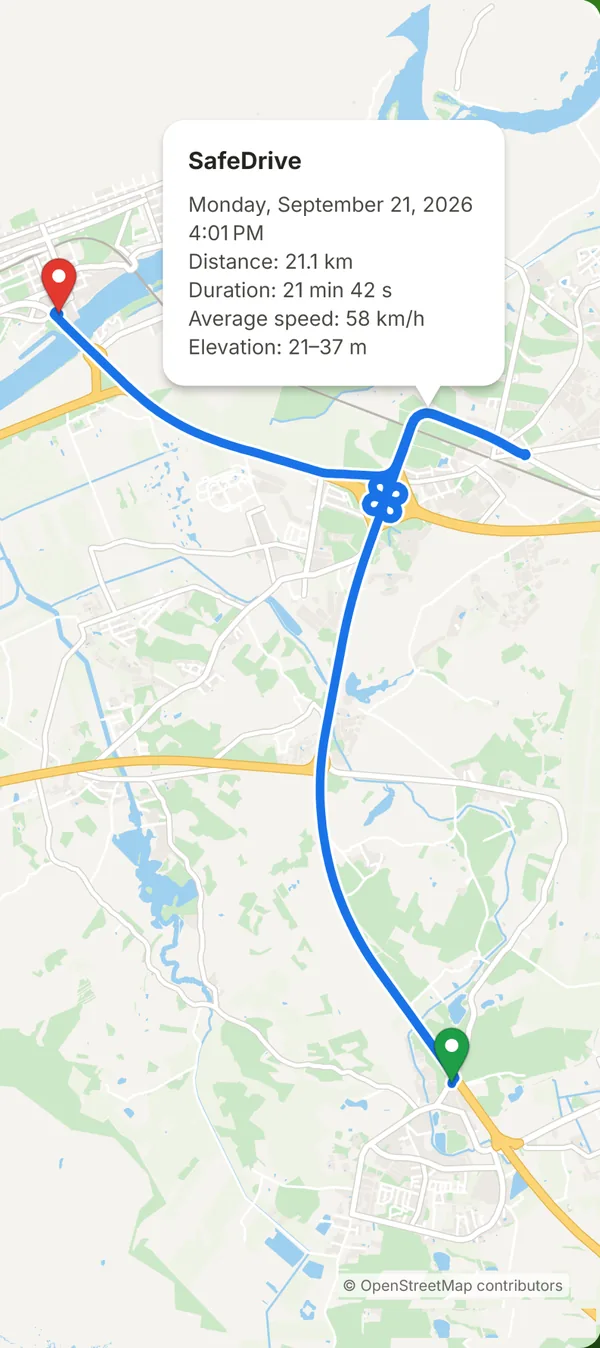
Every trip, saved as a GPX track
Turn on GPX tracking and Safe Drive AI saves your route as a standard GPX file on your phone, either on every drive or only in the modes you pick. Stops can be detected automatically to pause the track or start a new file. Open the file in any map app to review the trip.
A heads-up display for every drive
Mount your phone and Safe Drive AI projects a clean, glanceable HUD: your speed reflected on your windshield. We recommend using a reflective film for better contrast.